Home / Integrations / Send it to us
📮Push documents in from wherever they actually live.
One API call. No page to crawl, no plugin, no manual upload.
Not everything worth answering from has a public URL. An internal wiki, a PDF your own system generates on a schedule, an export from another tool - "Send it to us" is the address you post those to directly, the moment they exist.
Send it to us is an API endpoint AidEcho gives one of your websites: an address and a token, private to that site. Your own system posts a document to it - a single HTTP request, the file as the body - and it lands in that website's knowledge base, indexed and answerable, the same as a page AidEcho crawled or a file someone dragged in by hand.
01 / How it works
Three steps, and the last one is automatic.
-
01
Connect it to a website
From Integrations, pick "Send it to us" and the website it should feed. AidEcho hands back a private address and a token - shown once, so store it wherever your system keeps its other credentials.
-
02
Post a document to it
Whatever already produces the content - a script, a scheduled job, an export step - sends it as the body of one POST request, with the token in a header. No SDK required, it is a plain HTTP call.
-
03
It shows up, indexed
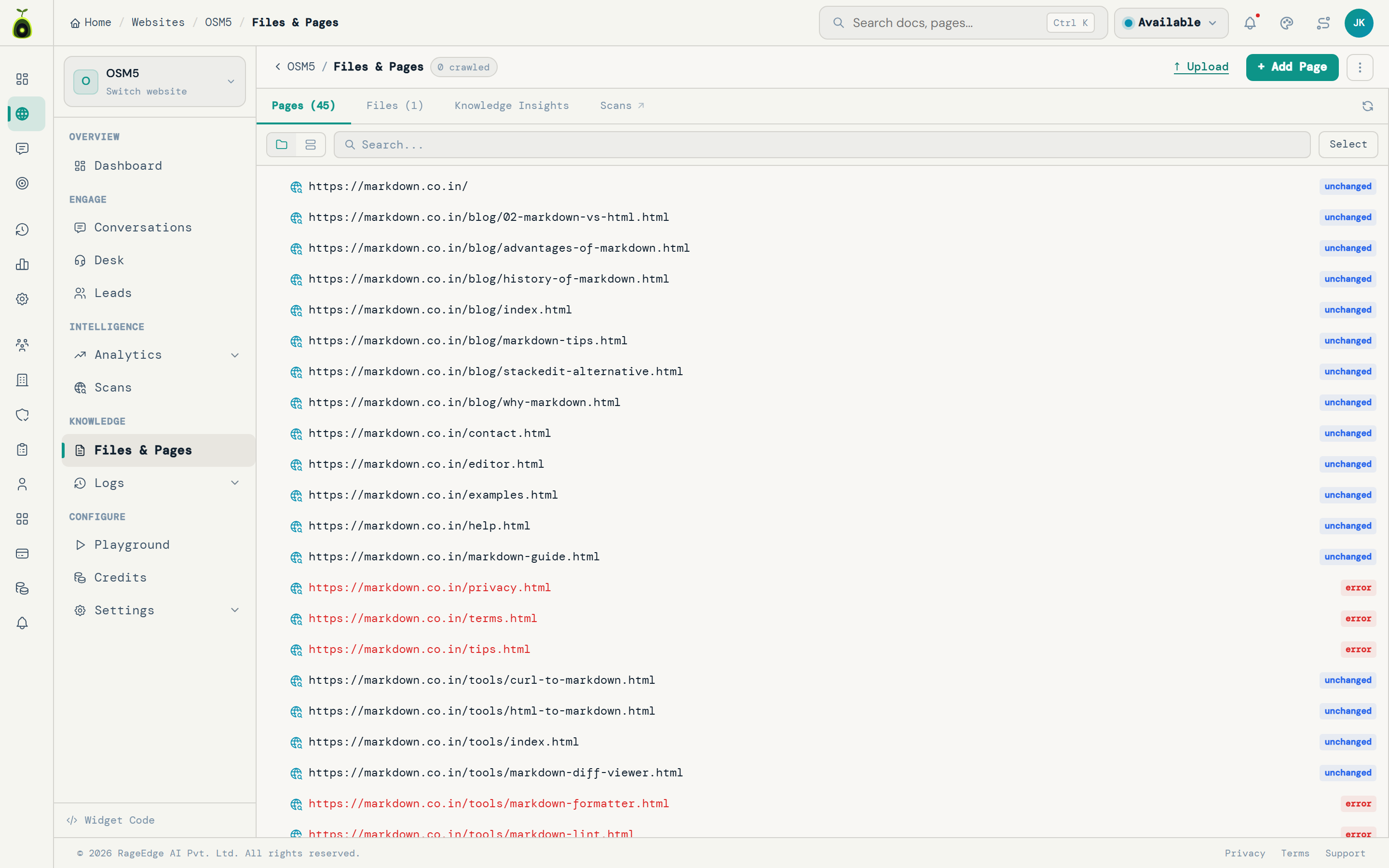
The document appears in that website's knowledge list right away, then moves from pending to indexed within moments. From there it answers visitor questions exactly like every other source, citation included.
02 / The request
One POST, two headers, a file.
The token authenticates the request the same way an AidEcho developer API token does - scoped to that one website, shown once, revocable by reconnecting. Nothing else to configure.
curl -X POST https://<your-address>/v1/push/hk_xxxxxxxxxxxx \
  -H "x-aidecho-secret: <your-token>" \
  -H "x-aidecho-filename: refund-policy.pdf" \
  --data-binary @refund-policy.pdf
The address and token are shown once, when you connect - this is the shape of the request, not a real credential.

30 days from delivery, unopened or defective. Refunds go back to the original payment method within 5 business days.
Source: refund-policy.pdf03 / Specs
What it accepts, and what it does not.
The same limits as every other way to add content, because it feeds the same pipeline.
- File types PDF, Word, Markdown, CSV, plain text, HTML, Excel, PowerPoint.
- Size limit 20 MB per document.
- Updates, not duplicates Send a document id header again and it replaces the existing document instead of piling up a second copy.
- One website per connection A push connection points at exactly one website - an account with several sites connects "Send it to us" once per site, each with its own address and token.
- File and document upload plan Included from the Hobby plan up, the same as a manual upload.
04 / Questions
Answers, before you ask.
What is "Send it to us"?
An API endpoint AidEcho gives your own system so it can post a document directly into a website's knowledge base, for content that never has a public page to crawl - an internal wiki, a PDF your own tooling generates, an export from another system.
Do I need to write code?
Something on your side needs to make one HTTP POST request with the file as the body and your token in a header - a script, a small job, or whatever already generates or exports the document. There is no dashboard step beyond connecting it once.
What happens if I lose the token?
It is shown once, when you connect, the same as any API token. If you lose it, reconnect from Integrations to mint a new one - the old one stops working the moment you do.
Can I push the same document again to update it?
Yes. Send the same document id header again and it replaces the existing one instead of creating a duplicate. Without an id, AidEcho derives a stable one from the filename.
What file types are supported?
PDF, Word (doc/docx), Markdown, CSV, plain text, HTML, Excel and PowerPoint - the same types the manual upload and every other content source accept.
Is there a size limit?
20 MB per document, the same ceiling as a manual upload.
Give your own systems an address to post to.
Connect a website, get a token, and push your first document today. Free to start.
No credit card to start. Live in minutes.